Your LIFELINES Checklist
- Ensure you can attend all sessions. Session recordings are not available for later viewing, and full attendance is required to qualify for continuing education credits (if applicable) and to receive a Community Leadership Certificate.
- You will receive the Zoom link for your Program a few weeks before the start date. After your registration has been confirmed, add your session dates and times to your calendar.
- If you need to withdraw from the program, please notify me in advance.
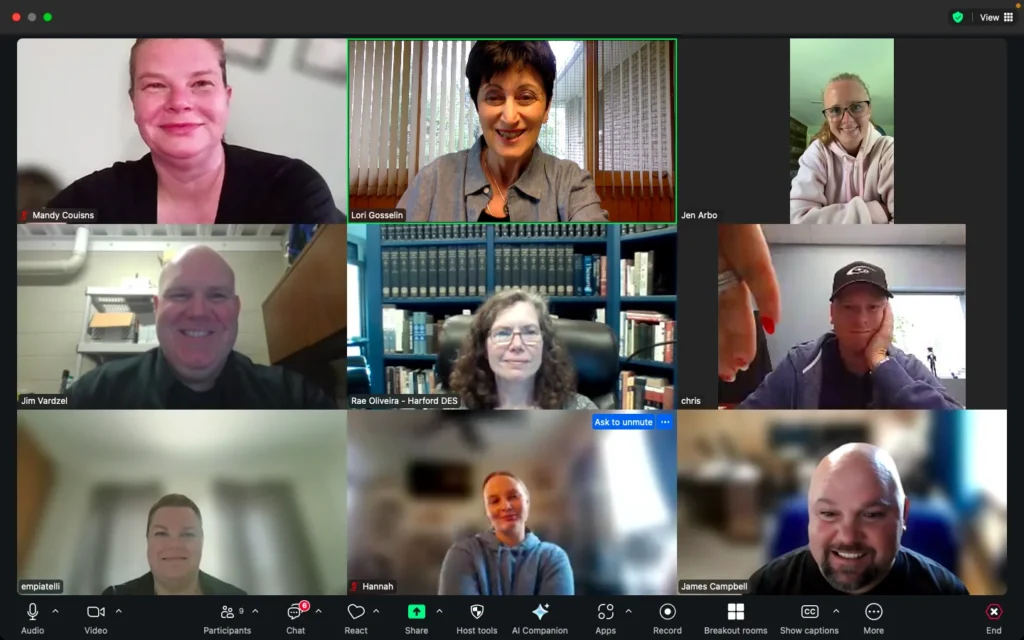
- Please find a quiet, private space with a strong Wi-Fi connection. Plan to be fully present during the Program so you can get the most out of the experience. Make sure you won’t be distracted or called away. When someone is multitasking, it impacts the sense of connection for everyone.
- Plan to log in on time to allow time to take care of any technical issues and get settled.
- To have an optimal experience, use a laptop or desktop computer. Tablets and phones are too small to see everyone on the screen at once.
- Your camera needs to be on so we can connect face-to-face.
- Please avoid using two screens during the session. Using two screens can give the appearance that you’re not looking at other participants, which makes forming a genuine connection on Zoom more difficult.